Launching a Shopify store is only the first step. Many store owners expect sales to come automatically, but attracting visitors is different from converting them into customers. If your Shopify store gets traffic but very few orders, your website may be creating friction that drives potential buyers away.
Why Your Store Isn't Converting Visitors Into Customers
Customers make buying decisions within seconds. They judge your store based on its design, branding, navigation, and overall shopping experience. Even if you sell great products, a poor user experience can significantly reduce conversions.
- Build trust with visitors
- Create a smooth shopping experience
- Improve conversion rates
- Reduce cart abandonment
- Increase long-term sales
1. Generic Store Design
Many new Shopify stores rely on the default theme without customization. If your website looks like hundreds of other stores, customers may question your credibility and leave before exploring your products.
“Your website is often your customer's first impression. A professional design builds trust before a single product is viewed.”
2. Weak Branding
Strong branding makes your business memorable. Consistent colors, typography, messaging, and visuals help customers recognize your brand and feel more confident purchasing from you.
- Use a professional logo
- Maintain consistent brand colors
- Create clear messaging
- Use high-quality visuals
- Build trust through consistency
3. Confusing Checkout
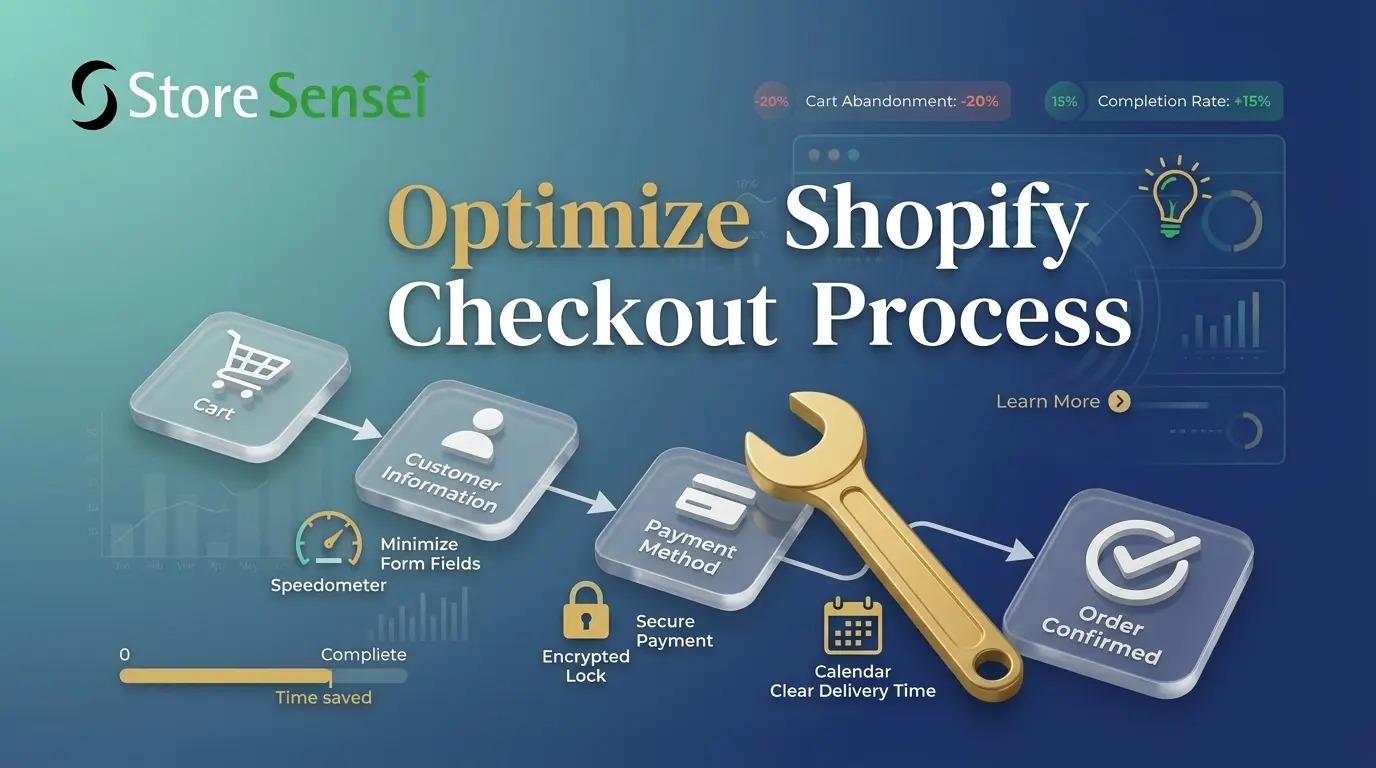
A complicated checkout process is one of the biggest reasons customers abandon their carts. Extra steps, unexpected costs, or unnecessary form fields create friction and reduce completed purchases.
- Keep checkout simple
- Offer multiple payment methods
- Display shipping costs clearly
- Reduce unnecessary form fields
- Optimize for mobile users
4. Poor Product Pages
Your product pages should answer every question a customer might have. Low-quality images, weak descriptions, and missing information make shoppers hesitate before buying.
- Use professional product photos
- Write benefit-focused descriptions
- Include sizing or specifications
- Display customer reviews
- Add trust badges and guarantees
5. No Conversion Optimization
Launching your store isn't the finish line. Successful Shopify stores continuously test and improve their website to increase conversions. Small improvements can have a significant impact on sales.
- Improve homepage layout
- Test call-to-action buttons
- Monitor visitor behavior
- Reduce bounce rates
- Optimize pages based on analytics
Signs Your Shopify Store Needs Improvement
- You're getting traffic but very few sales
- Customers abandon their carts
- Visitors leave within a few seconds
- Low repeat customer rate
- Sales have stopped growing
How Store Sensei Can Help
At Store Sensei, we help businesses build, redesign, and optimize Shopify stores that are designed to convert. From improving your store's design and branding to optimizing product pages and the checkout experience, we focus on creating an online store that turns visitors into customers.
Final Thoughts
If your Shopify store isn't generating the sales you expected, don't assume it's your products. In many cases, the issue lies in the customer experience. By improving your design, branding, checkout flow, product pages, and overall conversion strategy, you can create a store that not only attracts visitors but also converts them into loyal customers.
Founder of Store Sensei, Helping brands build, redesign, and optimize high-converting Shopify stores.